technology · security
Passkeys, codes, and keeping an account yours
A second step blocks many takeovers. Some second steps are much stronger than others.
Estimated 1 min read
Reused passwords are a common way accounts are lost: a password leaked from one site is tried on many others. A password manager that creates a different password for every account closes that door.
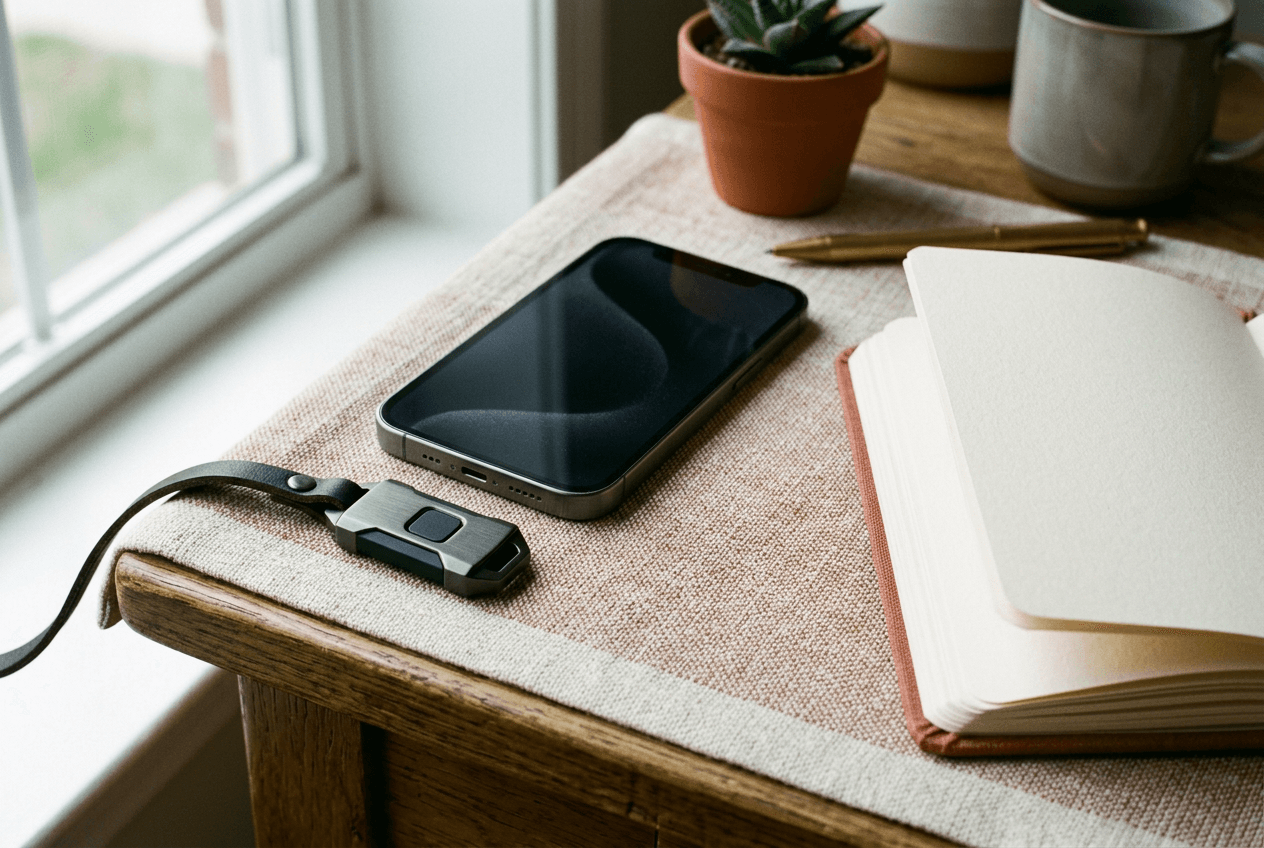
Multifactor authentication adds a second proof. A code sent by text is better than nothing, but phone numbers can be hijacked and codes can be typed into a fake page. An authenticator app is stronger. A security key or passkey is stronger still.
A passkey replaces the password with a cryptographic key held by your device and unlocked with your face, fingerprint, or PIN. It is tied to the real website, so a look-alike page cannot collect and reuse it.
- Start with email, because it can reset your other passwords.
- Save your recovery codes somewhere you can reach without your phone.
- Treat any unexpected request for a code as a scam until proven otherwise.
Sources
Check the original material for yourself.
Think we got something wrong? Read the log or tell us.